Why 5GHz Wi-Fi Is Faster but Doesn't Reach as Far
Every dual-band router quietly makes the same trade: 2.4GHz for reach, 5GHz for speed. The reason comes down to wavelength physics, not a router flaw.
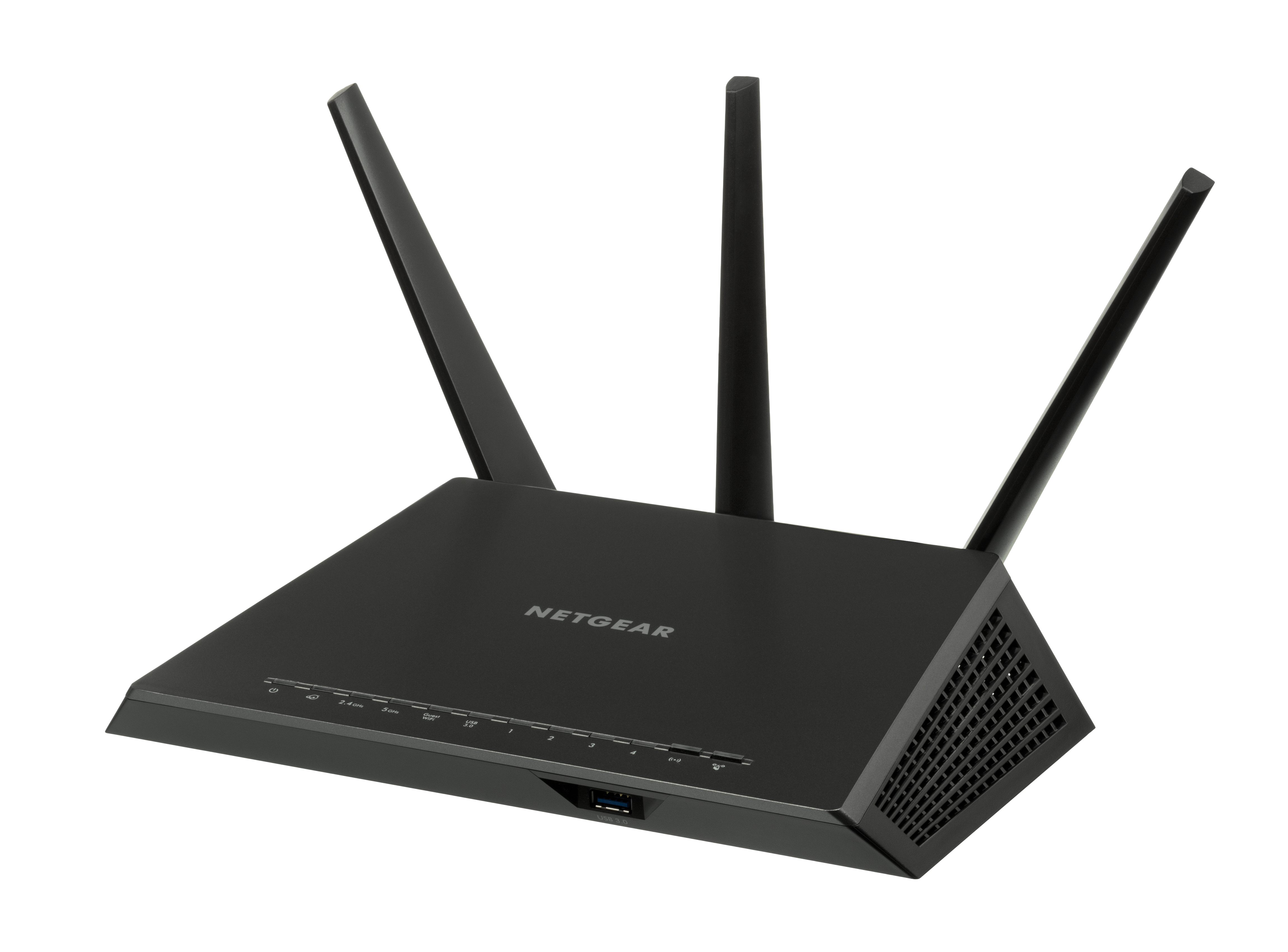
Why does the Wi-Fi drop the moment you switch from the slow guest network to the "fast" one and walk to the back bedroom? Physics, mostly — and a trade-off every dual-band router quietly makes on your behalf.
Every modern router broadcasts on two frequencies at once: 2.4GHz and 5GHz. One reaches farther. The other moves more data. Nobody designed it that way to be confusing — it's a direct consequence of how radio waves behave at different frequencies.
The wavelength trade-off
Higher frequency means shorter wavelength, and shorter wavelengths are worse at bending around or passing through solid objects — walls, cabinets, floors. ASUS's own support documentation puts it plainly: "since the higher the frequency, the shorter the wavelength, which decreases the diffraction ability, which is why it is harder for it to pass through obstacles, and also why its effective transmission range is smaller compared to 2.4GHz at the same power rate."
The 2.4GHz band runs from 2.4 to 2.5GHz, a narrow 70MHz-wide strip carrying 11 overlapping channels in the U.S. The 5GHz band spans 5.15 to 5.85GHz — 500MHz wide, with roughly 30 non-overlapping channels available. That extra room is exactly why 5GHz can move more data at once, even though its shorter waves don't travel nearly as far.
Why 5GHz is still the better default
Range sounds like it should be the deciding factor, but for most home setups it isn't. HighSpeedInternet.com's hands-on router testing found the 5GHz band wins on both speed and reliability at typical household distances, in part because of "channel bonding" — the 5GHz band can combine up to eight 20MHz channels into a single 160MHz connection, while 2.4GHz tops out at combining two. More combined channels means more data pushed through at once.
Congestion plays a role too. Microwaves, baby monitors, cordless phones, garage door openers and most older Bluetooth devices all crowd the 2.4GHz band, and ASUS's guidance specifically warns that "other 2.4GHz devices that are using Bluetooth or wireless connection such as microwaves, refrigerator and fluorescent lamp are also using 2.4GHz channels" and can degrade a router's connection. The 5GHz band, still less cluttered by comparison, tends to deliver a cleaner signal even at the cost of reach.
When 2.4GHz is actually the right call
Distance and obstacles flip the calculation. A smart plug in a detached garage, a thermostat two floors from the router, or any device sitting behind "high density materials or furniture" — ASUS lists plaster, wood strips, steel wires, metal cabinets, metal doors and cement walls as common culprits — will often hold a stable 2.4GHz connection long after 5GHz has dropped out entirely. That's why most IoT devices, smart appliances and other low-bandwidth gadgets still default to 2.4GHz even on routers that support both.
Picking a channel makes a real difference
Within each band, channel choice matters almost as much as the band itself. On 2.4GHz, only channels 1, 6 and 11 avoid overlapping each other; anything in between bleeds into its neighbors and adds interference on top of whatever a microwave or baby monitor is already contributing. The 5GHz band groups its roughly 30 channels into sections labeled U-NII-1 through U-NII-4, and a few of those overlap with weather radar systems — routers that detect radar activity will automatically shift channels or narrow their bandwidth, which can cause a brief, confusing drop in speed that has nothing to do with a bad connection.
The band isn't the only bottleneck
None of this explains a separate, common complaint: a connection that shows full signal bars but still feels sluggish under load, especially with multiple devices active. That's usually a different problem entirely — something called bufferbloat, where a router's own buffering makes a fast connection feel slow regardless of which band it's running on.
Newer routers are already complicating the two-band picture further. Wi-Fi 6E and Wi-Fi 7 devices add a third option, 6GHz, running from 5.925 to 7.125GHz with even more bandwidth on tap — and, true to the same physics, an even shorter reach than 5GHz. The trade-off that's defined home Wi-Fi for two decades isn't going away; it's just gaining a third setting.