Why Your iPhone's Battery Health Number Drops Even With Careful Use
Battery Health isn't a bug or bad luck, it's chemistry. Here's what actually degrades a lithium-ion cell, and which habits genuinely speed it up.
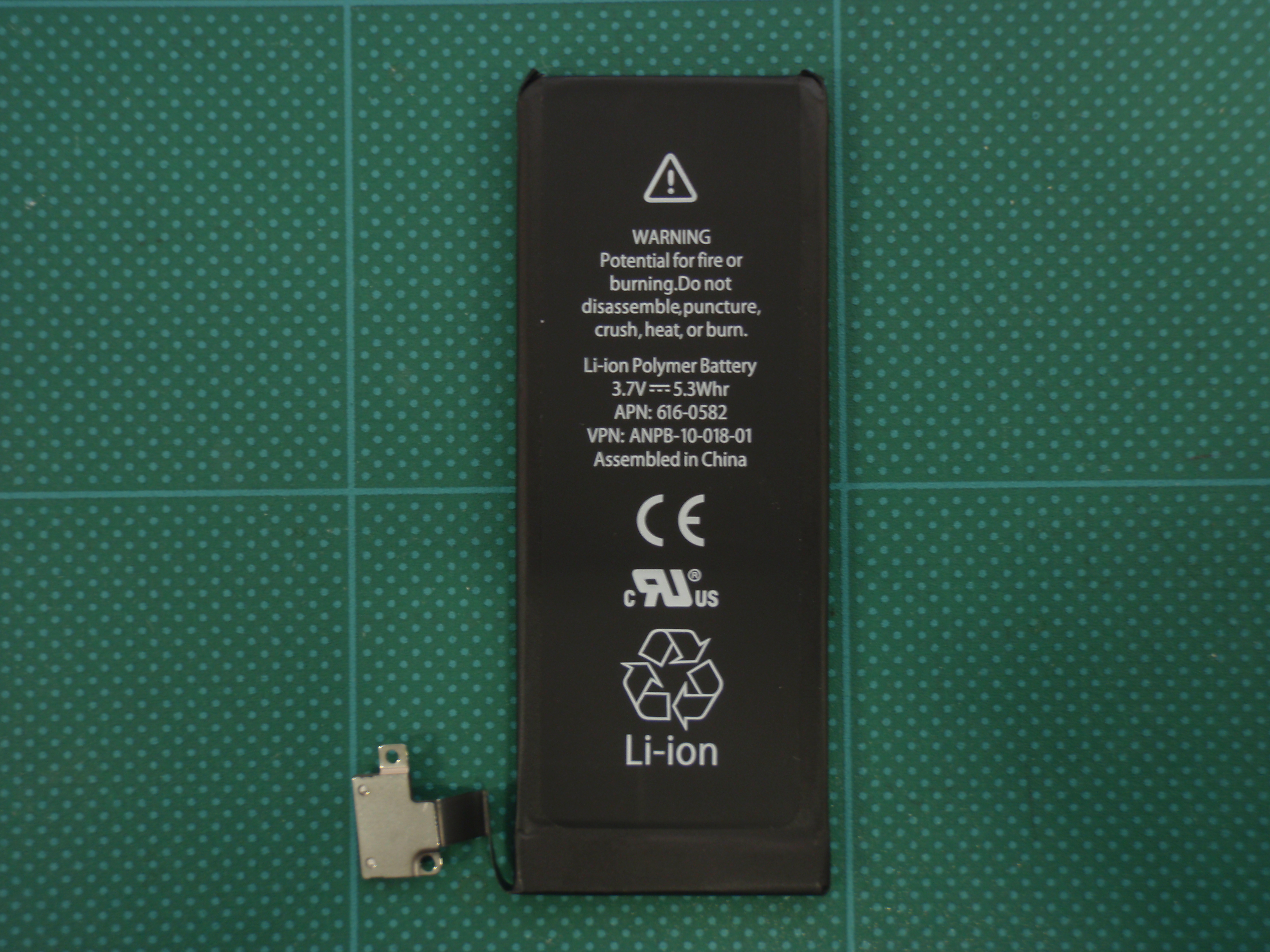
Ask an iPhone why its Battery Health reads 91 percent after barely a year of gentle use, and the honest answer has nothing to do with bad luck, a bad battery, or a bad habit. It has to do with chemistry that starts working against the battery from the very first charge.
Battery Health, the number tucked inside Settings on every iPhone, measures maximum capacity relative to when the device was new. According to Apple's own support documentation, iPhone batteries are designed to retain about 80 percent of their original capacity after 500 complete charge cycles under ideal conditions. A full cycle isn't one plug-in, either. It's the cumulative equivalent of draining 100 percent of the battery, whether that happens in one sitting or across five separate top-ups over a week.
What actually degrades a lithium-ion battery?
Every charge and discharge cycle triggers microscopic chemical reactions at the battery's electrode surfaces. Byproducts build up. Tiny cracks form in the material that stores lithium ions. None of this is a malfunction. It's the same chemistry that powers the phone in the first place, running in reverse a little more each time.
Battery University, the independent battery-research reference maintained by longtime industry analyst Isidor Buchmann, breaks the degradation down into a handful of named mechanisms: growth of the solid electrolyte interphase layer, lithium plating on the anode, cathode dissolution, and plain mechanical stress from the battery physically expanding and contracting with every charge. None of these are things a phone case or a screen protector can prevent. They're baked into how lithium-ion storage works.
Does charging habits actually matter, or is it just time?
Both, but not equally. Battery University's testing found that a lithium-ion cell might survive only 300 to 600 cycles when it's routinely run down to empty and charged back to full, known as 100 percent depth of discharge. The same cell can last 1,000 to 3,000 cycles if it's kept within a shallower 40 percent depth of discharge, meaning it rarely dips far below where it started.
Translated into iPhone terms: a battery kept mostly between 20 and 80 percent charge, at moderate temperatures, can stretch from roughly 500 useful cycles to more than 1,500. That's not a rounding error. It's the difference between a battery that needs replacing after a year and a half and one that lasts closer to five years.
Why does heat matter more than most people assume?
Heat is, by a wide margin, the single most damaging factor in lithium-ion aging, ahead of charge cycles, ahead of fast charging, ahead of nearly everything else phone owners worry about. A battery sitting at 100 percent charge in a hot car accelerates the same chemical byproducts that a normal charge cycle produces, except continuously, with no discharge in between to relieve the stress.
This is also why leaving a phone plugged in overnight isn't quite the villain it's made out to be. Modern iPhones use optimized battery charging, which learns a person's routine and deliberately holds the charge around 80 percent until shortly before the usual wake-up time, then tops off the last 20 percent right before it's needed. The danger was never really about the number of hours plugged in. It's about sitting at high charge, in the heat, for extended stretches.
Is a dropping battery health number a sign something is broken?
Not on its own. A battery reading in the 80s after a year or two of regular use is operating exactly as designed, not failing early. Apple's guidance treats a battery replacement as worth considering once maximum capacity falls low enough that daily usage noticeably shortens, or once the Battery Health screen itself flags a recommended service, which it will do automatically rather than leaving anyone to guess from the raw percentage.
The number itself is worth checking periodically rather than ignoring entirely. On iPhone 15 models and later, Apple also surfaces cycle count, manufacture date, and first-use date alongside the health percentage, giving a fuller picture of how a specific unit has aged rather than just where its capacity currently sits.
None of this means obsessively babying a battery between narrow charge windows is required, and Battery University's own researchers are careful to frame the 20-to-80 guidance as an optimization, not a rule with a penalty attached. The one habit worth actually changing is the one nobody thinks about: letting a phone bake in direct sun or a hot car at high charge. According to Battery University's research on capacity loss, that combination of heat and high charge does more cumulative damage than almost any charging habit a person could adopt on purpose. Full details on checking a device's own numbers are in Apple's iPhone battery and performance support page, and the underlying chemistry is laid out further in Battery University's guide to prolonging lithium-based batteries.