Why Your Microwave Can Take Down the Wi-Fi
Microwave ovens and Wi-Fi routers share almost the same frequency, and one of them is about 35,000 times more powerful than the other.
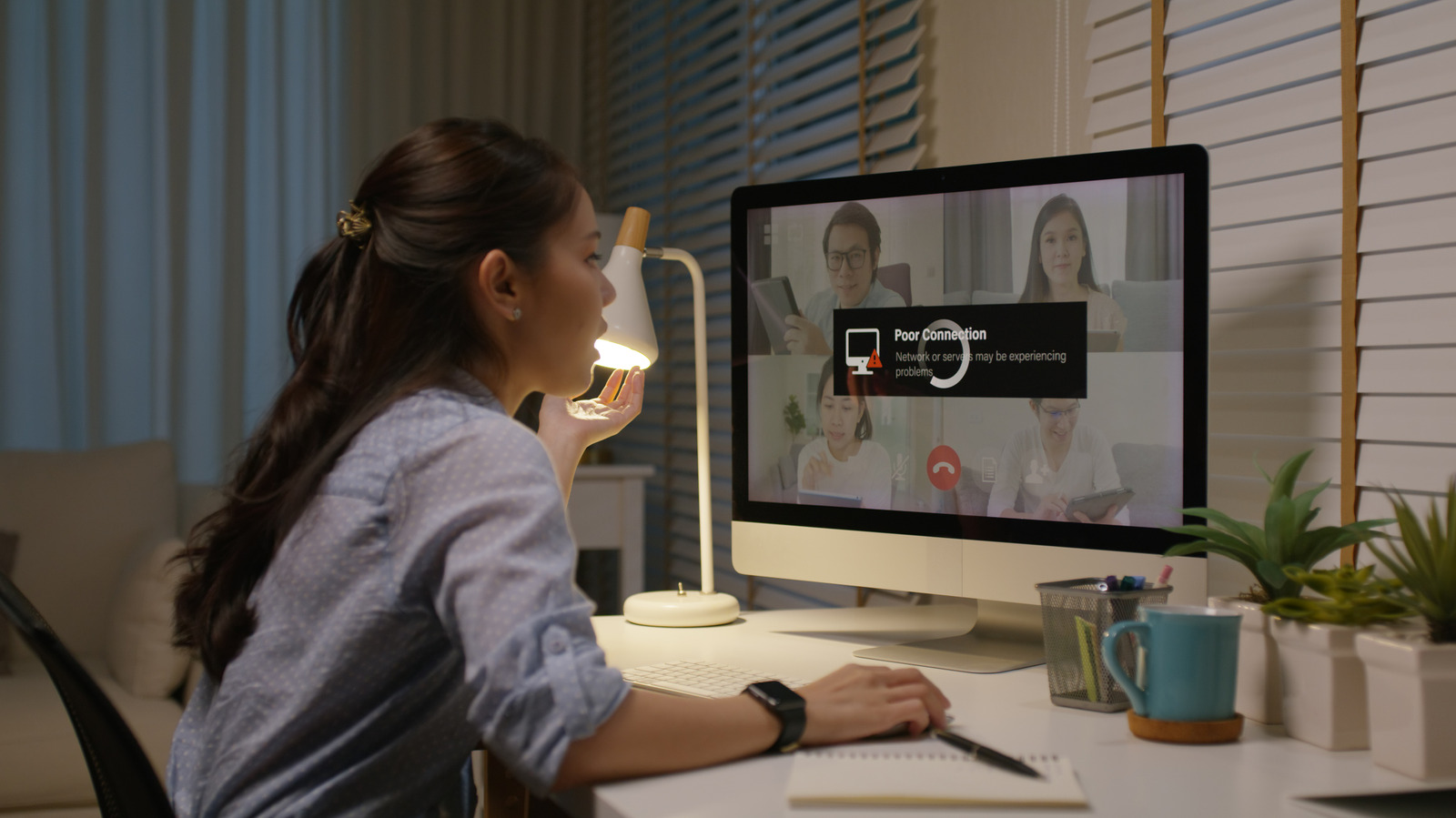
Pop a bag of popcorn and the video call pixelates. Wireless earbuds skip. The smart speaker in the kitchen goes quiet mid-song. None of it is a coincidence, and it isn't the router's fault, exactly — it's arithmetic. Microwave ovens and Wi-Fi both operate right around 2.4 gigahertz, and one of them is roughly 35,000 times more powerful than the other.
A shared, crowded slice of spectrum
The 2.4 GHz band that older and dual-band Wi-Fi routers use sits directly beside the 2.45 GHz frequency microwave ovens are built around — a frequency chosen decades ago because water molecules absorb energy efficiently there, which is the entire point of a microwave oven. Wi-Fi ended up in the same neighborhood because regulators designated 2.4 GHz as an unlicensed band open to short-range devices, back when nobody expected it to get crowded. Now it hosts Wi-Fi, Bluetooth, cordless phones, baby monitors and, yes, microwave ovens, all competing for room in the same few dozen megahertz.
A microwave oven is supposed to keep its energy sealed inside the cooking chamber. In practice, no shield is perfect — there's a mesh screen in the door specifically so the food is visible, and that mesh, plus any wear on the door seal, lets a small amount of radiation leak out. Regulators allow some leakage; a functioning microwave isn't dangerous to stand next to. But "small" is relative. A microwave pushes out up to 1,000 watts to heat food. A home Wi-Fi router transmits at around 28 milliwatts — about 1/35,000th as much power. Even a tiny fraction of a microwave's leakage can swamp a Wi-Fi signal that faint.
Why the connection wobbles instead of just dying
The leaked energy doesn't carry data — it's noise, not a competing signal carrying instructions. But Wi-Fi and Bluetooth radios share spectrum by listening for a clear channel before transmitting and by decoding faint signals against a noise floor. Flood that noise floor with a burst of energy from a running microwave, and the radio either can't find a clear moment to transmit or can't pick the real signal out of the interference. The practical result is dropped packets, retransmissions, and the stutter that shows up as buffering, choppy audio or a Bluetooth device that cuts out and reconnects a second later.
It gets worse the closer the two devices sit to each other, and the older the microwave. Newer ovens with tighter door seals typically leak less; one with a warped door or worn gasket can leak measurably more; and a router sitting a few feet from the microwave is going to have a rougher time than one down the hall.
The fix nobody has to buy
Distance is the cheapest solution — moving a router even 10 feet from the microwave measurably reduces the problem, since radio interference falls off fast with distance. Dual-band and tri-band routers offer a more permanent fix: switching primary devices to the 5 GHz or 6 GHz band sidesteps the 2.4 GHz collision entirely, since microwaves don't operate anywhere near those frequencies. The tradeoff is range — 5 GHz signals don't travel as far or push through walls as well as 2.4 GHz, part of why so many devices default to 2.4 GHz in the first place. Anyone stuck on a single-band router can still try changing the Wi-Fi channel — moving to Channel 1 or 11, away from the middle of the band — since it's rarely a microwave's entire leakage spectrum causing trouble, just the slice that overlaps whichever channel is in use.
Not just microwaves
The same crowded-spectrum problem explains a handful of other domestic mysteries: why a ringing cordless phone can kill a video call, why some baby monitors hiss when the network is busy, and why apartment or hotel Wi-Fi — where dozens of routers and microwaves and cordless devices sit packed into one building — tends to feel worse than a house on its own lot, independent of the actual internet speed. Public networks add their own layer of complication before a signal even connects, but at home, the culprit interrupting movie night is very often sitting on the kitchen counter, reheating leftovers.