Why Two Same-Wattage Chargers Charge at Different Speeds
Two chargers rated at the same wattage can still charge a phone at very different speeds, and the wattage number rarely explains why.
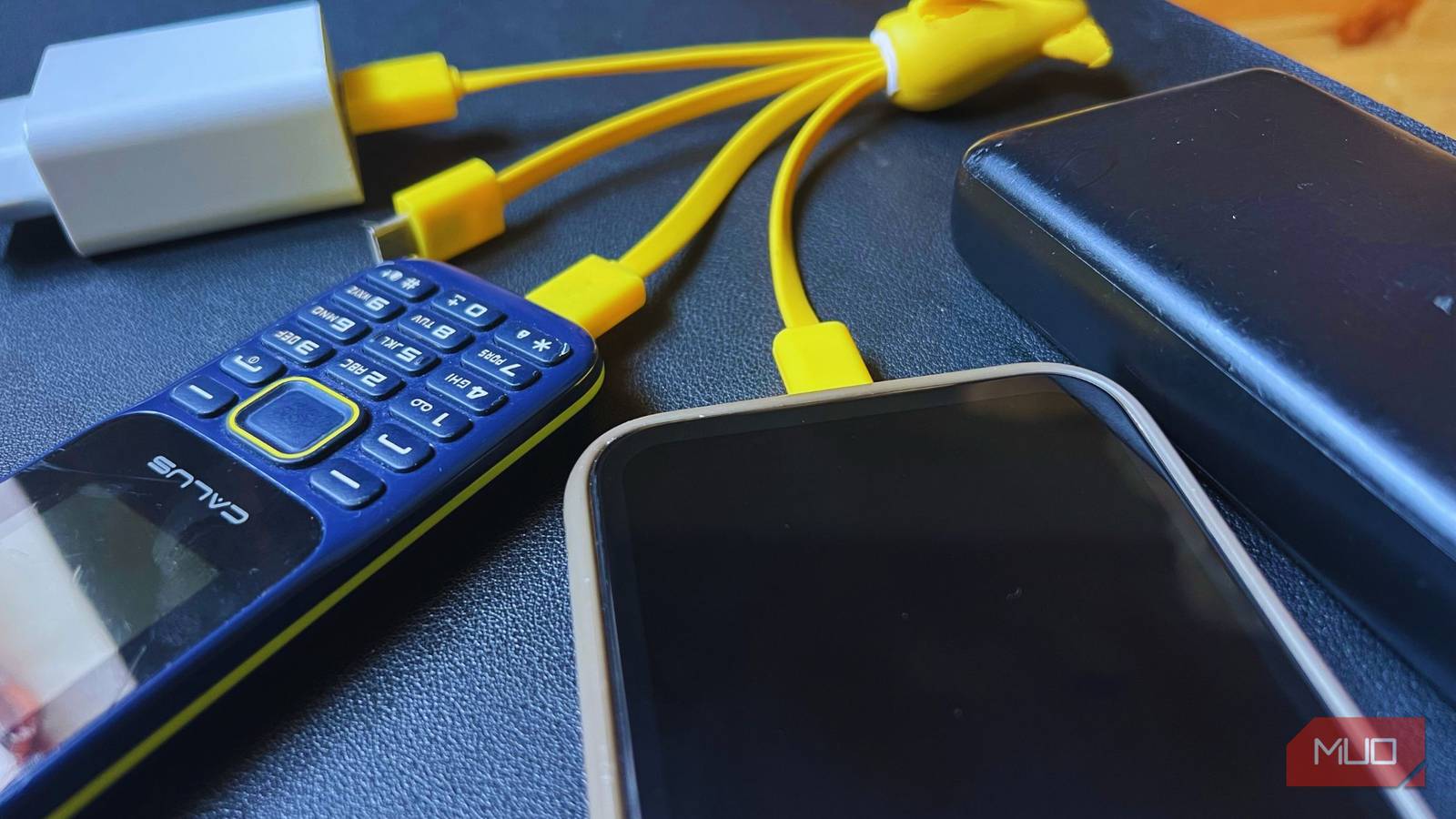
Two chargers. Both stamped 65 watts. Plug the first one in and a dead phone hits 50% in under half an hour. Plug in the second and the same phone is still crawling toward 30% twenty minutes later. Nothing about the wattage label lied, and that's exactly the problem. Wattage is a ceiling, not a promise.
A charger's power rating tells you the most current it's capable of delivering. It says nothing about whether it speaks the same electrical language as the phone on the other end of the cable, and that mismatch is where most "slow charging" complaints actually come from.
The phone negotiates, it doesn't just receive
Every USB charger starts at the same baseline: five volts, the floor written into the USB spec itself. From there, according to longtime tech columnist Leo Notenboom at Ask Leo!, modern USB-C chargers use a power-delivery standard that offers several voltage tiers (5V, 9V, 15V, 20V, and up), and devices are allowed to 'negotiate' or specify that they want something stronger.
A laptop might request 48 volts through the same USB-C port that charges a phone at a fraction of that.
That negotiation is the whole game. If a charger can't offer the voltage or current tier the phone is asking for, the two devices fall back to whatever they do have in common, often the slow, universal default, and the phone charges as if the fancy 65W brick were a decade-old travel adapter. Nothing is damaged in the process. As Notenboom puts it, when a charger's capability falls short of what a device wants, the device will charge more slowly or continue to discharge as you use it
. The failure mode is patience, not hardware.
Wattage numbers, decoded
The current generation of the standard, USB-PD 3.1, tops out at 240 watts, enough for a gaming laptop, wildly more than any phone needs. As a rough scale, MakeUseOf's Shaheer Khan lays it out plainly:
A charger rated well above a phone's actual maximum draw isn't dangerous. The device simply takes what it needs and ignores the rest. But a charger rated below it will always be the bottleneck, regardless of what the box says."10W is slow charging, whereas fast charging starts at 18W, all the way up to more than 100W in some cases."
Shaheer Khan, MakeUseOf
Manufacturers also don't all speak the exact same fast-charging dialect. Samsung leans on USB Power Delivery layered with its own Programmable Power Supply (PPS) extension; Oppo uses a proprietary system called VOOC. A charger built for one protocol can still charge a phone built for another, just at the lowest common denominator both sides understand, which is often far below either device's real ceiling.
The cable is usually the silent bottleneck
Assuming the charger and phone are actually compatible, the cable is next in line as a suspect, and it's the one people check last. Modern USB-C cables are commonly rated at 3 amps or 5 amps, while older or cheaper cables top out closer to 0.9 to 2.4 amps, per MakeUseOf's reporting. A 120-watt-capable charger connected through a bargain-bin cable can be throttled down to a fraction of that instantly, with no error message telling you why.
There's a hardware fix on the horizon that sidesteps some of this: GaN, or gallium nitride, chargers, which run cooler and more efficiently than the older silicon-based bricks and increasingly ship with multiple high-wattage ports in a housing the size of a matchbox. They don't change the negotiation rules. A GaN charger and a silicon charger with identical PD support will still cap out at the same speed on the same phone. But they make it easier to carry one charger capable of feeding a laptop, a phone, and a pair of headphones off the same wall socket, which is where a lot of the "different speed" confusion starts in daily life. It's rarely the charger that changed; usually the cable or the phone plugged into it did.
The practical fix is almost boring: check the phone's rated maximum wattage against the charger's, then check that the cable itself is rated to carry it, the same triage that applies to why not every USB-C charger ships at the same wattage in the first place. Match all three links in that chain, and the "same wattage, different speed" mystery mostly disappears.