The Real Reason Netflix and Hulu Subtitles Drift Out of Sync
Professional subtitle files are timed down to the frame. The gap between that precision and what actually plays on your TV comes down to three technical culprits -- and one of them gets worse the longer you watch.
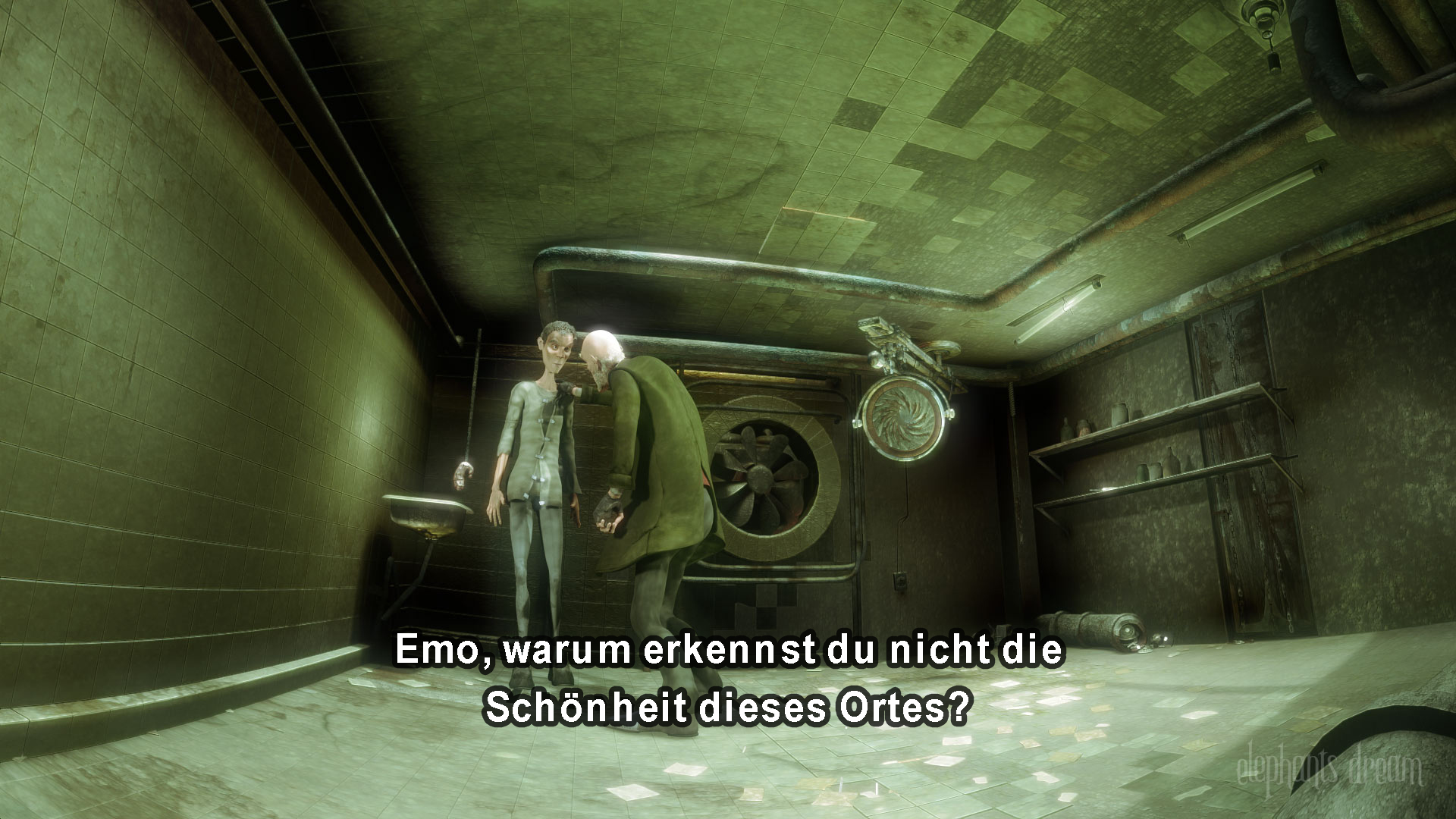
Twenty frames. That's the shortest amount of time Netflix allows a subtitle to sit on screen — about four-fifths of a second — and the platform's own style guide requires that line to land within a frame or two of the actor's mouth moving. It's a precision standard measured in fractions of a second. And yet by the second act of a two-hour movie, plenty of viewers are watching dialogue that's a full two seconds behind the words on screen.
The gap between how carefully subtitles are built and how badly they can perform once they hit a real television isn't sloppiness. It's the collision of three separate technical systems that were never designed to stay perfectly in step.
Why do subtitles drift instead of just starting late?
A subtitle that's simply late — every line delayed by the same two seconds, start to finish — is usually a file mismatch: the wrong subtitle track got attached to the wrong cut of a movie. That's an easy fix, a flat offset applied once.
Progressive drift is a different animal. It starts in sync, and the gap grows the longer you watch — perfect at the opening credits, a beat behind by the halfway mark, visibly off by the credits. That pattern points to a frame rate mismatch, and the math behind it is unforgiving. Film and most US streaming content run at 23.976 frames per second; European broadcast television runs at 25 fps. Play a subtitle file timed for 25 fps against a 23.976 fps video and the picture is running about 4.3% slower than the subtitles expect. Ten minutes in, the gap is already around 26 seconds. By the 90-minute mark, it's pushing four minutes.
Does frame rate mismatch happen on official apps, not just pirated files?
It shouldn't, in theory — legitimate streaming platforms control both the video master and the subtitle file, so there's no reason for a frame rate handoff error. Netflix's own Timed Text Style Guide requires subtitles to be timed to within one or two frames of the first frame of audio, with a minimum two-frame gap between lines and captions held at least half a second past the end of dialogue for readability. That's the studio-side standard. What happens on the way to a viewer's screen is a separate problem.
What actually breaks it on a streaming app
Streaming video doesn't arrive as one file. Services built on protocols like MPEG-DASH or HLS chop video into small segments, typically two to ten seconds each, and encode each segment at multiple quality levels so a player can switch resolution mid-stream without stopping playback, a system built by adaptive bitrate streaming. Subtitles typically travel as their own separate track, stitched to the video by the player in real time rather than baked into the picture.
That separation is exactly where things go wrong. When a player drops video quality to cope with a slow connection, or rebuffers, or a smart TV's processor briefly falls behind decoding a busy scene, the video pipeline and the subtitle pipeline don't always recover in lockstep. The picture catches up first; the caption track resyncs a beat later, or not at all until the next scene change resets it. None of this shows up in a lab test on a fast connection with a powerful device — which is part of why it ships. It shows up on a five-year-old TV over an evening Wi-Fi connection shared with three other devices, which is exactly when a viewer notices.
Is there anything a viewer can actually do about it?
Not much, beyond the basics: a hard refresh or app restart clears whatever buffer state caused the drift, and switching to a wired connection reduces the rebuffering events that trigger it in the first place. Lowering playback quality manually, counterintuitively, sometimes helps — a steadier, lower-bitrate stream has fewer quality-switch events for the subtitle track to fall out of step with than a stream constantly hunting for the highest bitrate a shaky connection can support.
The underlying issue is closer to the kind of network problem behind bufferbloat and other hidden connection slowdowns than it is to a subtitling mistake — a system tuned to keep video playing smoothly under pressure, at the cost of everything riding alongside it. It's the same category of problem as Bluetooth audio lagging behind picture: two data streams that are supposed to arrive together, traveling through pipelines that don't actually guarantee it.
Subtitle files themselves have gotten more precise, not less, over the past decade — Netflix's spec has been revised repeatedly since 2020 to tighten frame-level timing rules even further. The mismatch isn't happening on the page anymore. It's happening somewhere between the server and the screen, in the part of the pipeline no style guide can reach.