Why Your 'Slow' SSD Is Probably Just Full, Not Old
SSDs need free blocks to write fast. The real reason a drive suddenly feels slow is almost always capacity, not calendar age.
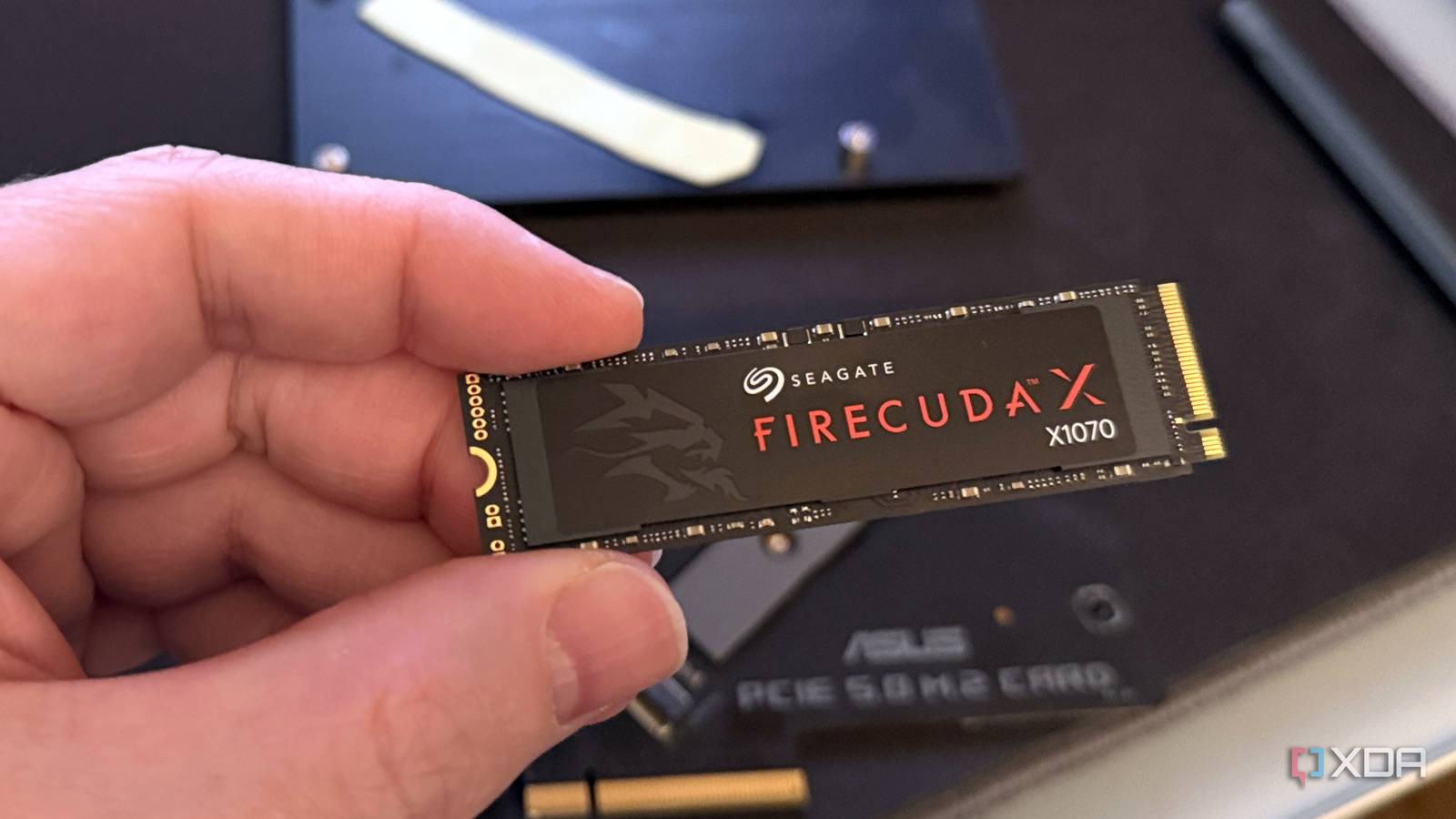
The transfer bar was crawling at a normal clip for the first few gigabytes, then it stalled. Not crashed, just slowed to a fraction of the drive's advertised speed, the kind of pause that makes a three-year-old solid-state drive suddenly feel like it's dying. The instinct is to blame age. That instinct is usually wrong.
What actually happened is almost always about free space, not birthdays. A drive that copies files in seconds when it's mostly empty can crawl through the same job once it's packed, and the mechanics behind that gap have very little to do with wear.
Why does an SSD slow down when it's nearly full?
Solid-state drives store data in NAND flash chips, organized into pages of a few kilobytes each, grouped into much larger blocks. A mechanical hard drive can overwrite a sector directly. A flash chip can't: it can write to an empty page in a block, but to reuse a page that already holds data, the controller has to erase the entire surrounding block first. As How-To Geek explained back when this problem first got documented, writing to a fresh block is the fastest operation a drive can do, but writing into a partially filled one means the controller must read the block into cache, merge in the new data, erase the original, and write the whole thing back.
The TRIM command, supported by every modern operating system, helps by telling the drive the instant a file is deleted so its blocks can be marked free. What TRIM doesn't do is tidy up. It won't consolidate scattered, partially filled blocks into clean empty ones on its own. Fill a drive close to capacity and delete files unevenly, and you end up with a patchwork of half-used blocks that the controller has to constantly read, merge and rewrite just to make room.
Manufacturers know this, which is why consumer SSDs typically reserve a slice of their raw flash, often around 7%, that never shows up in the capacity you see in your file browser. That hidden overprovisioning exists purely to guarantee some spare blocks are always available. Testing by AnandTech, cited in that same explainer, found that "minimum performance improves substantially once you hit 25% spare area" on consumer drives, and recommended treating roughly three-quarters of a drive's listed capacity as the practical, sustained-speed limit.
What is SLC cache exhaustion?
That was the mechanism engineers pointed to a decade ago. The more common culprit on today's cheaper, denser TLC and QLC drives is a different piece of the same problem: the write cache. Most consumer SSDs set aside a portion of their flash to run in a faster, single-bit mode, called pseudo-SLC, that acts as a landing zone for incoming data before it gets folded down into slower, denser storage in the background.
"This cache is dynamic, meaning it's carved out of whatever blocks happen to be empty... Once that buffer is exhausted mid-transfer, writes drop straight to native TLC or QLC speed, and that's the cliff you feel."
XDA
That's the mechanism behind the stalled progress bar. A drive with plenty of free space can offer a large, fast cache; the same drive at 90% capacity has almost nowhere to carve that buffer from, so it shrinks, fills up mid-copy, and performance falls off a cliff rather than tapering gradually.
Is my SSD just old?
Age is a real variable, just not the one behind most everyday slowdowns. Flash cells wear out over a finite number of program-erase cycles, and denser TLC and QLC chips have fewer cycles to spend than older, simpler flash. But that wear is tracked in terabytes written, not years owned. A drive that's sat in a laptop for five years doing light document work can be nowhere near its endurance rating, while a drive hammered with constant large transfers could wear faster in months. The everyday sluggishness people blame on age is, far more often, a full drive with no room for its own cache or cleanup routines to work.
Two fixes cover most of it:
- Keep meaningful free space, roughly 10 to 20% of the drive's capacity, so the controller always has empty blocks to draw a cache and garbage-collection headroom from.
- Keep the drive's firmware current, since manufacturers regularly patch caching and garbage-collection bugs after a model ships.
None of this is really a flaw in the technology. It's a trade-off manufacturers make deliberately: advertise a burst speed that looks great in a spec sheet, borrow free space to hit it, and let performance settle back down once that borrowed room runs out. It's the same trade-off that shows up in why lithium batteries swell before they fail or why wireless earbuds drift out of sync: consumer electronics are full of components quietly managing a resource in the background until the reserve runs out and the limit suddenly becomes visible. A full drive isn't broken. It's just out of room to cheat.